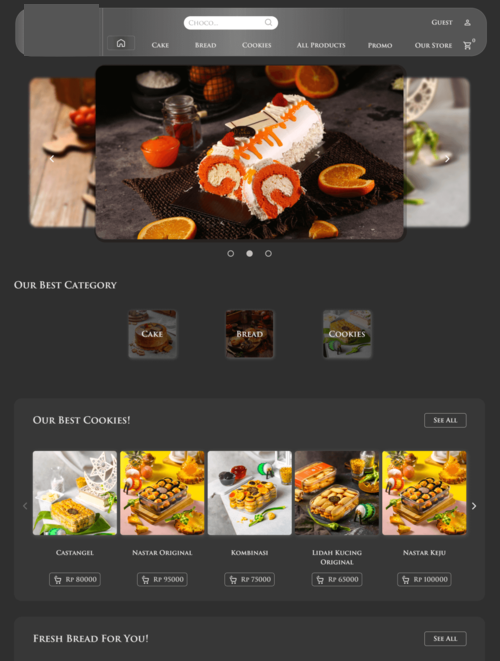
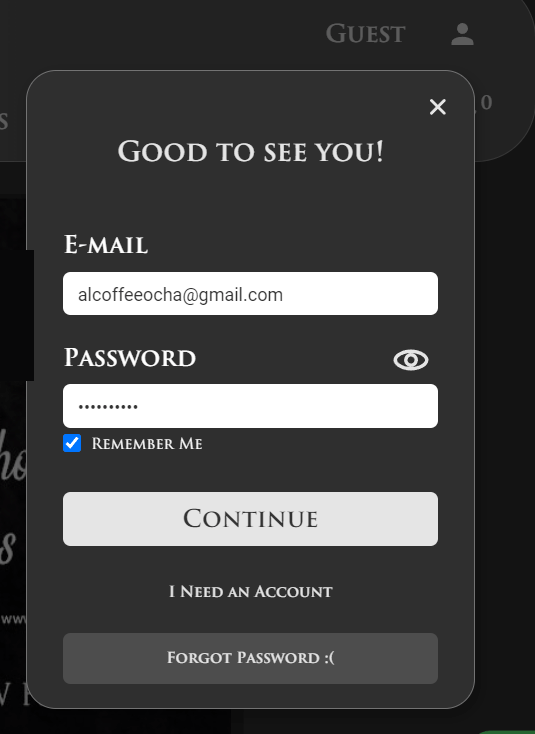
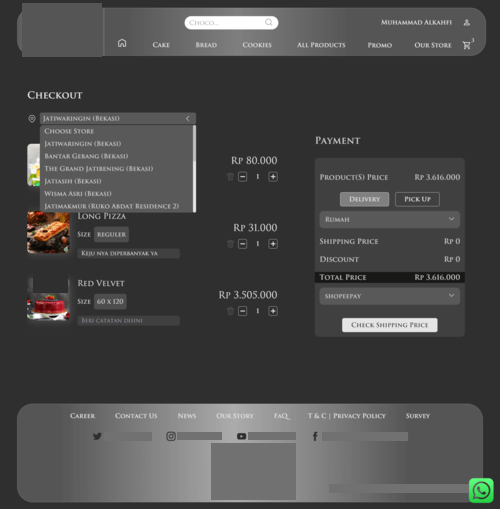
The start-up where I applied my frontend skills had taken on a fairly large project. Our client, a Cakes and Bakery business, already had a website and wanted to add more functionality than just information and links to buy their products.
Our team then envisioned a solution: building an e-commerce site. Visitors can add products to their cart, checkout, and make payments, just like on a typical e-commerce website. That's why I consider this was a big project.
After discussing list of feature, our friend, UI/UX designer, created a mockup or hi-fi design. "It can't be done with simple technology; a PHP web application with CodeIgniter seems difficult to split. Something new is needed." I thought. However, thinking back now, as my experience grows, that could actually did the job, sorry to think that way. Suddenly, I remembered Vue, a JavaScript framework that seems suitable for this project. I'd like to try.
I did some researches on YouTube to find out what the backend should be like if we use Vue. I had heard about Laravel + Vue but didn't know much about it. Besides, my backend friend usually uses CodeIgniter 4, so I ignored it. I found a tutorial on VueJS & CodeIgniter 4, which was a perfect fit.
"It turns out that the frontend can indeed be separated from the backend, with data exchange via API. Tokens are needed for security; this is completely new to me!"
Boldly, I suggested to my friend that we try something new for this project. I explained the idea, and since my colleague had just heard the term REST API, I needed to provide that tutorial.
The two of us continued learning: I delved deeper into Vue 3, while my friend explored how APIs work, since he usually sent HTML to the browser instead of JSON.
I was assisted by two other programmers. They created components. I converted those components into Vue Single-File Components. Implementing global state management using Vuex. Added Navigation Guard to protect admin resource. Many pages to build.